To redeem a download code and activate the license it contains, proceed as follows:
1. Start PaperOffice. Select the user account for which the license should be activated and choose "Options" -> "Continue and manage current license".
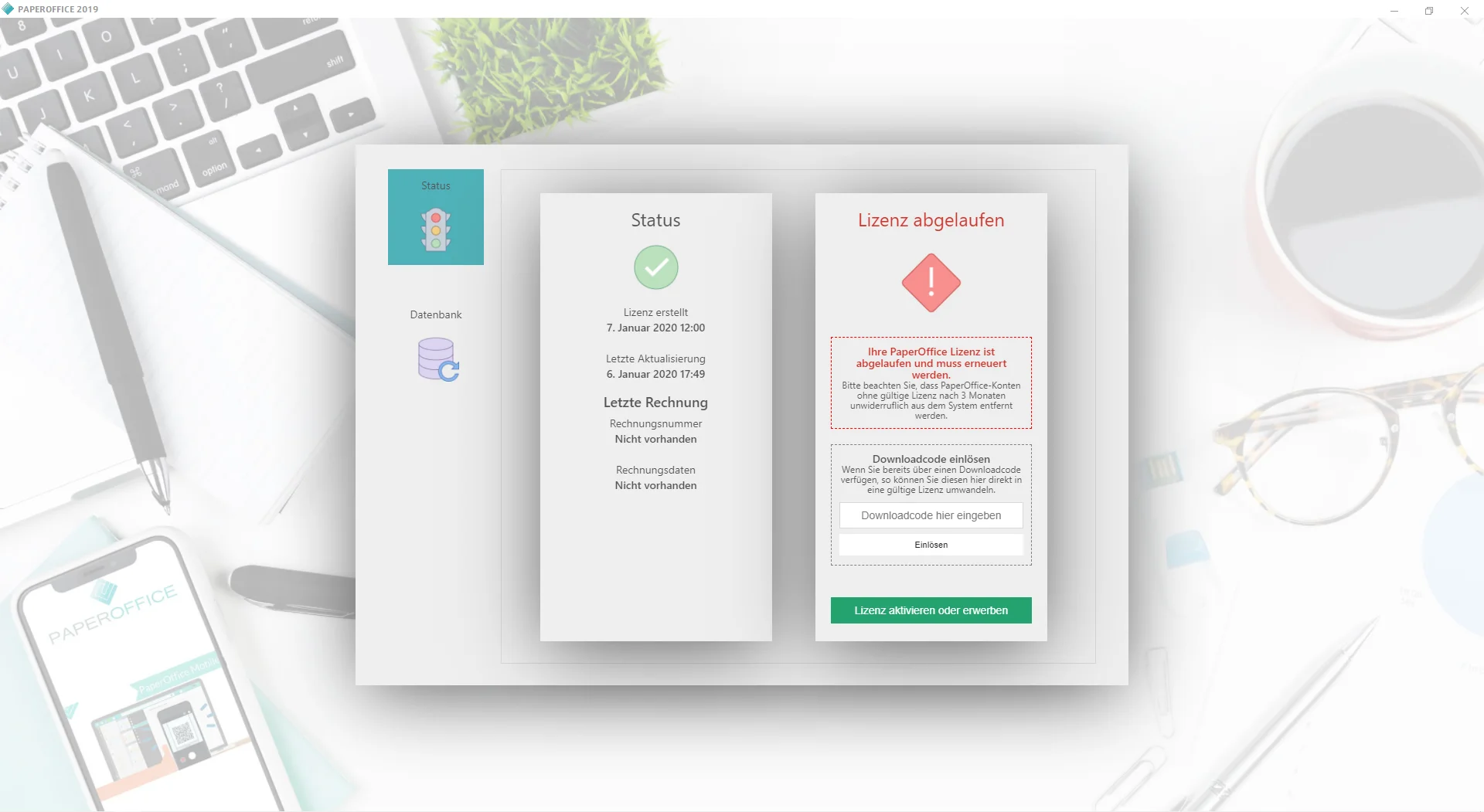
2. Enter your download code in the license management and restart PaperOffice after successful activation.
The license acquired was permanently linked to the user account, i.e. whenever you log in with the user account, the valid license is accessed.
The one-time entry of the download code applies to both the purchase version and the subscription version .You no longer need to enter the download code.